The plan, step by step
Pick your shots per guest limit. Set a limit of 12, 24, or 36 shots per person to make every candid photo count and prevent spamming duplicate selfies.
Place QR codes on party tables. Print table cards featuring your event QR code next to drinks and snacks with a clear prompt to scan and shoot.
Schedule your collective reveal time. Choose when the photos unlock, such as late evening or the following morning, to build excitement throughout the night.
Project on screen or download the archive. Stream the newly unlocked photos onto a screen or download the entire high-resolution archive before your storage window ends.
The magic of film and the Monday morning reality
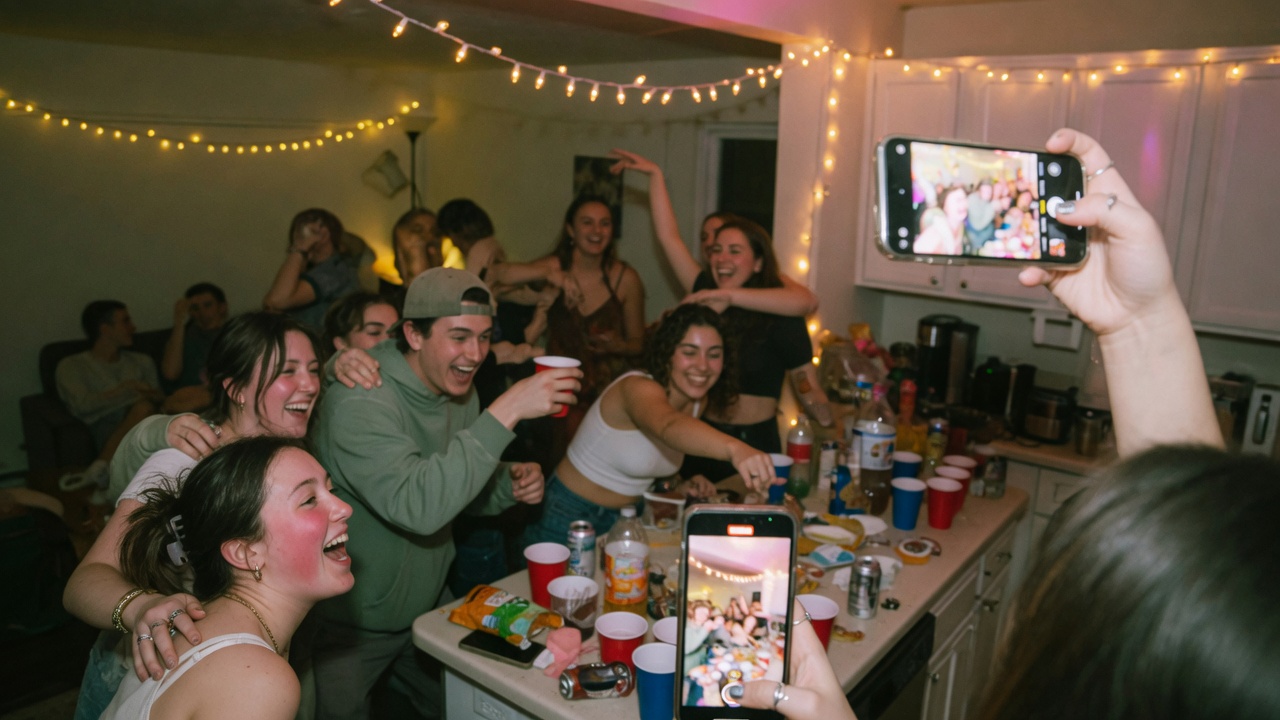
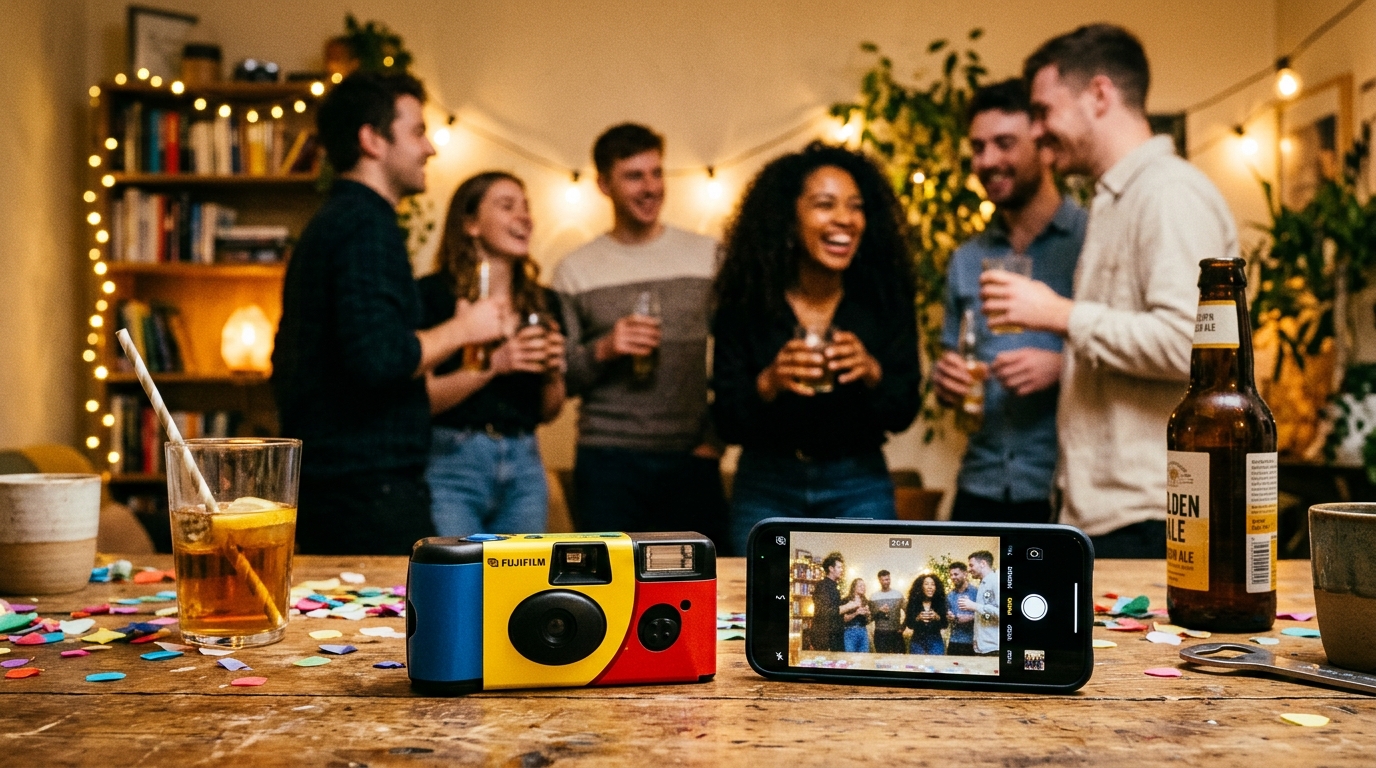
Leaving a few disposable cameras on banquet tables or around the living room sounds like the ultimate party move: friends take candid, unfiltered snapshots of each other, and you get to discover what actually happened days later. There is no standing around checking retakes or obsessing over lighting before posting.
However, the real-world experience usually brings two frustrating surprises: a hefty bill from the film lab and an envelope full of completely black, unrecoverable negatives.
Three problems with analog single-use cameras
Before ordering a multi-pack of plastic cameras online, consider the mechanical realities of party environments:
- The true cost per picture: A single 27-exposure camera (such as a Kodak FunSaver or Fujifilm QuickSnap) has to be bought, and developing and receiving digital scans from a commercial lab is a further charge per roll. Prices vary by shop and lab, so ask for the price per roll and compare two quotes. Every extra camera multiplies both costs, and each one gives you only 27 photos.
- The uncharged flash trap: Disposable cameras have a tiny fixed aperture (f/10 on the Fujifilm QuickSnap) and film of limited sensitivity (ISO 400 on the Fujifilm, ISO 800 on the Kodak). At nighttime, indoors, or under club lighting, ambient light is physically incapable of exposing the film. If a guest does not manually switch on and wait for the flash capacitor to whine, the photo comes out black. Even when fired, the tiny flash only reaches roughly 2.5 to 3 meters (8 to 10 feet).
- Lost, dropped, or pocketed cameras: In the flow of a party, plastic cameras get soaked in beer, dropped on dance floors, or accidentally swept into someone's jacket pocket, never to be seen again.
Disposable camera apps: great concept, painful friction
Smartphone apps built to emulate disposable cameras (like POV or Dispo) attempted to solve the developing cost, but introduced another barrier: guest fatigue.
- Every guest must search for and install an app from the App Store or Google Play.
- Guests have to sacrifice phone storage and wait for downloads over crowded party Wi-Fi.
- Everyone is forced to create an account, verify an email, or submit a phone number.
In reality, two or three tech-savvy friends might download the app, while the other thirty-five give up and either use their default camera roll or take nothing at all.
Comparing your options
| Feature | Physical disposable camera | App Store camera app | Browser digital party roll (jointhefun) |
|---|---|---|---|
| Cost for 50 guests | Camera purchase plus lab processing for every roll (ask for a quote) | Free or recurring subscription | Included in flat event plan |
| App download needed | None (physical plastic) | Mandatory App Store download | Zero app downloads (opens in browser) |
| Guest accounts | None | Required for every participant | No guest account or phone number required |
| Low-light performance | Poor if flash is forgotten | Good (modern phone sensors) | Excellent (native phone camera optics) |
| Shot limits per guest | 27 exposures per camera | Depends on app tier | 12, 24, or 36 shots per guest |
| Scheduled reveal moment | Days later after store pickup | Next morning inside app | At your chosen time or party end |
| Loss risk | High (stolen, misplaced, damaged) | None (cloud backed) | None (secure cloud storage) |
How to set up a digital party roll that guests actually use
To preserve the authentic charm of limited-exposure party photography without the lab costs or app-store headaches:
- Set an intentional shot quota: When phone storage feels infinite, guests take twenty identical bursts. Restricting each guest to 12 or 24 shots brings back genuine intention to every candid click.
- Scatter scannable QR cards: A simple card on tables reading Scan to open the party camera roll immediately sparks curiosity. The guest aims their camera, and the roll viewfinder opens right in Safari or Chrome without any installation screens.
- Build anticipation toward the reveal: The real joy of analog film was the wait. Locking the roll until midnight or the next morning turns the reveal into a shared event where everyone relives the night together.
Privacy before you share photos
A candid party roll among friends is meant for private memories, not public broadcast:
- Capturing memories during private events is standard domestic practice, but posting photos of other guests to open social media requires consent.
- Rules on likeness and personal data differ by country. The UK GDPR leaves out purely personal or household activity, but posting for the whole world is a different matter. If an attendee asks not to be photographed or asks to delete a frame, honor their request without debate. Parents decide for minors.
Practical party advice, not formal legal counsel.
Using the Party Roll on jointhefun
For three friends getting pizza, texting photos in a group chat works fine. When you are throwing a milestone birthday, graduation, or house party and want the nostalgic excitement of a shared disposable roll, jointhefun runs the entire game straight in the mobile browser. Guests scan a QR code, receive their allowance of 12, 24, or 36 shots with Vintage or Black & White aesthetics, and all photos remain hidden until your scheduled reveal moment.
The Free tier costs 0 € per event with unlimited guest RSVPs and standard photo uploads, but does not include the Party Roll. The PARTY plan costs 29 € one-time (25 GB storage, six months retention, and the Party Roll with Original, Vintage, and Black & White looks). The PARTY+ plan costs 49 € one-time (250 GB storage, twelve months retention, guest video uploads, and custom grain styling). Guests never pay and never install an app. Read the Party Roll guide and check the jointhefun plans page. Always download your high-resolution event zip before your retention period expires.
Read next: How to collect party photos; Party photo challenges and smartphone games; Party Live Wall on screens.
Quick questions
Are disposable cameras worth buying for a birthday or house party?
They offer nostalgic tactile charm, but buying and developing a camera for every table adds up quickly, and guests regularly forget to use the flash in low party lighting.
What does it cost to buy and develop a disposable camera?
You pay for each camera and again for lab developing and digital scans, so the cost grows with every camera you place. Prices vary by shop and lab, so ask for the price per roll and compare two quotes before ordering.
Why do disposable camera photos at parties often turn out completely dark?
Single-use cameras use a small fixed aperture (f/10 on the Fujifilm QuickSnap) and ISO 400 or 800 film; without manually charging the built-in flash, indoor ambient light is insufficient to expose the negative.
How does a digital party roll work?
The organizer assigns a set number of shots per guest (such as 12 or 24) and shares a QR code; guests open the camera in their phone browser and their photos remain hidden until a scheduled reveal moment.
Do guests need to download an app from the App Store to use a digital party roll?
No, with jointhefun the camera opens directly in mobile Safari or Chrome from a simple QR scan, requiring no app downloads or guest account signups.
When do digital party roll photos become visible to everyone?
The organizer chooses whether to reveal the photos automatically at a set time (like midnight or cake cutting) or unlock them manually when the event winds down.
What happens when a guest uses up all their allocated shots?
Once a guest hits their shot limit, they cannot take further roll photos until the reveal, recreating the intentional, unhurried feel of analog film.
Who can see the roll photos before the reveal moment?
Photos stay completely hidden from guests until the reveal; organizers have access to preview and moderate pictures beforehand to keep memories fun and respectful.