The plan, step by step
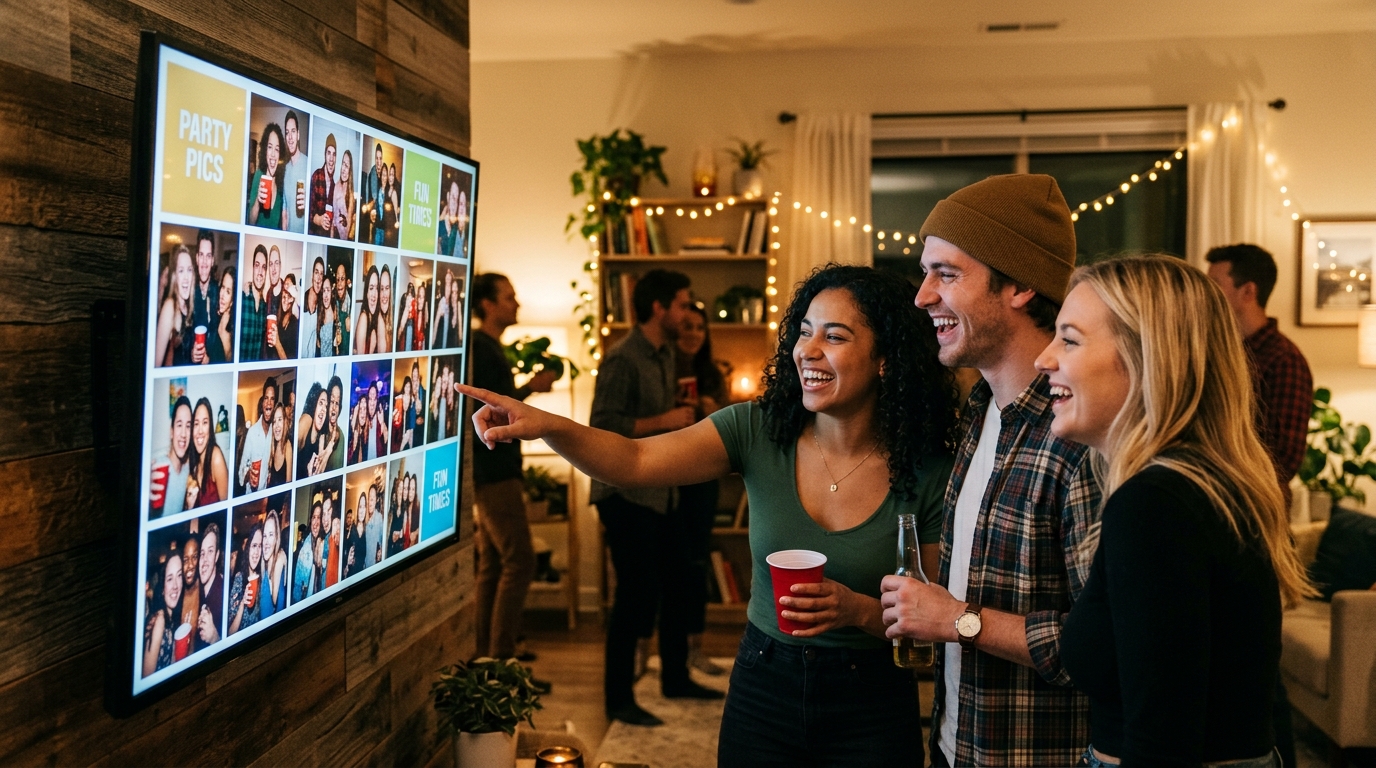
Set up your venue screen. Position a TV or set up a projector facing an open wall where guests can easily see it from the dance floor, bar, or lounge area.
Open the Live Wall link in full-screen mode. Connect a laptop via HDMI or open the TV's browser, navigate to your private Live Wall URL, and press F11 or the full-screen button.
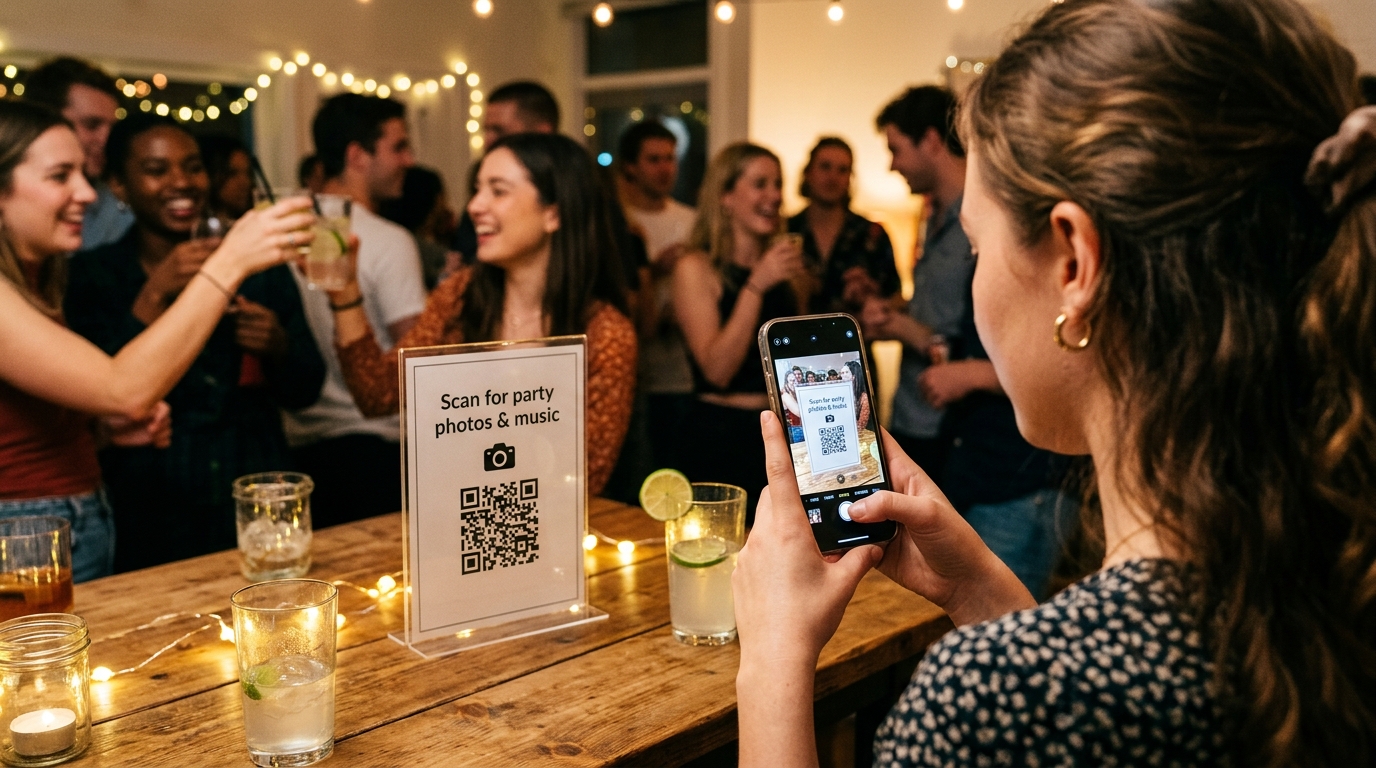
Place QR code cards around the party. Put QR code signs on tables, near the entrance, and at the bar inviting guests to scan and start sharing photos immediately.
Moderate on your phone and enjoy the vibe. Keep your host dashboard handy on your phone to approve or delete photos as needed, and enjoy watching the room light up as funny memories stream across the screen.
The blank screen dilemma at modern celebrations
Walk into almost any rented event space, birthday venue, or house party, and you will spot a familiar missed opportunity: a gorgeous 65-inch television screen sitting completely pitch-black on the wall, or plugged into a clunky USB flash drive endlessly repeating 15 baby photos of the guest of honor.
By 10 PM, when the music picks up and everyone is mingling, no one is looking at the baby photos anymore, and the TV screen has faded into background noise.
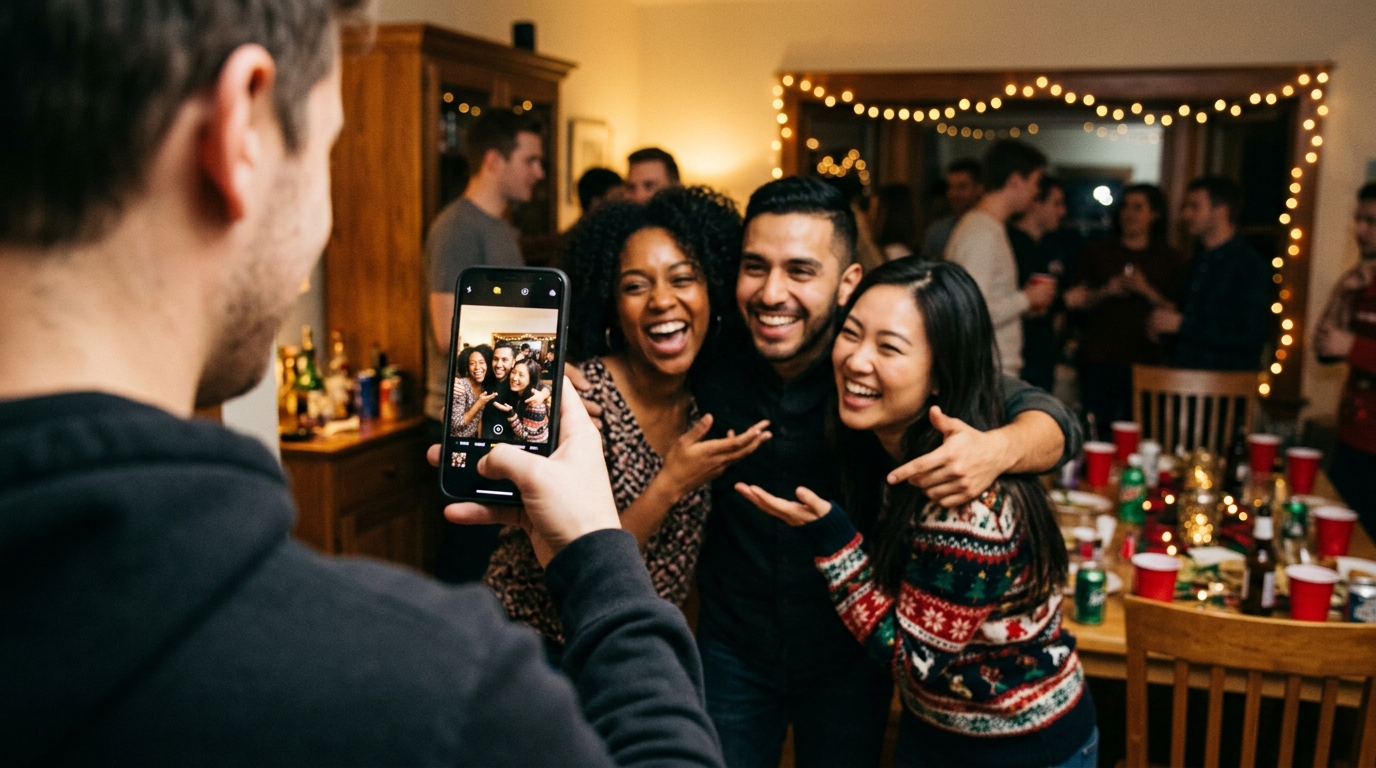
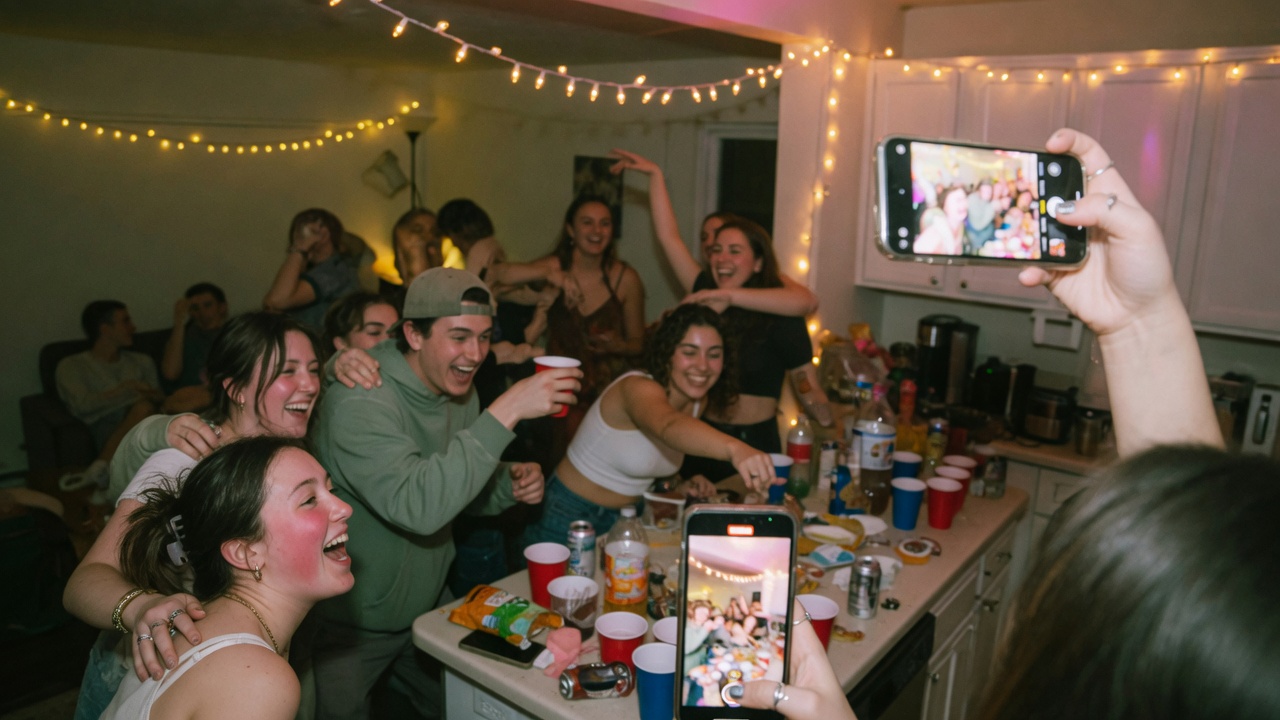
The best way to bring that screen to life is by turning it into an interactive Live Wall: a glowing, real-time multimedia canvas that collects the real energy of the room—the laughter, spontaneous toasts, funny dance moves, and photo challenge snapshots taken by guests on their own phones.
How a real-time Live Wall works in practice
The setup is designed to be effortless for both hosts and attendees:
- Zero friction for guests: Attendees scan a party QR code printed on table cards or displayed on signs.
- Instant mobile browser upload: The camera opens directly in mobile Safari or Chrome without forcing anyone to download an app from an app store or create an account.
- Real-time live projection: As soon as an image is submitted, it streams directly to the venue screen and joins the dynamic slideshow with smooth transitions.
The psychological impact on the party is immediate: when guests see their candid photo pop up on a giant display ten seconds after taking it, everyone else in the room pulls out their phone to join the fun.
Comparison: Looped USBs, corporate signage, or a dedicated party Live Wall?
Here is how modern party screen software stacks up against older alternatives:
| Feature | Looped USB drive / photo folder | Corporate Digital Signage software | Dedicated Party Live Wall (jointhefun) |
|---|---|---|---|
| Real-time live updates | Impossible without unplugging and reloading | Yes, but complex setup designed for trade shows | Instant via real-time SSE streaming |
| Guest participation | None: only displays preloaded archive files | Often relies on public social media hashtags | Maximum: private QR code upload from phones |
| Setup complexity | Simple but completely static | Complex: requires special hardware and tech support | Effortless: just open a clean web link on your screen |
| Event privacy | High (offline) | Poor: demands public Instagram/X profiles | Completely private: closed event with PIN protection |
| Live host moderation | Not applicable | Cumbersome corporate admin tools | One-tap mobile controls: approve or delete instantly |
| Cost per event | Free | Monthly subscriptions ($50 to $250+/month) | Free (0 €) or single-event fee of 29 € / 49 € |
3 simple ways to connect your screen
You don't need an audio-visual degree or expensive rented gear to project a stunning Live Wall. Here are the three most popular configurations:
Option 1: Laptop with an HDMI cable (most reliable)
Plug your laptop into the venue TV or projector with a standard HDMI cable. Open your jointhefun Live Wall link in Google Chrome, Safari, or Edge, hit full-screen (`F11` on Windows or `Cmd + Ctrl + F` on Mac), and make sure your computer's screen saver or sleep timer is turned off.
Option 2: Smart TV with built-in browser (wireless & cable-free)
Nearly all modern Smart TVs (Samsung Tizen, LG webOS, Google TV, Roku) come with a web browser pre-installed. Open the browser, enter your private Live Wall short link, and switch to full-screen mode using the TV remote.
Option 3: Wireless casting (Apple TV AirPlay or Google Chromecast)
If you have a Chromecast or Apple TV plugged into your projector, cast your browser tab wirelessly from your laptop, tablet, or phone. This eliminates unsightly cables running across the floor in high-traffic party areas.
Content moderation and privacy: keeping your party fun and safe
Streaming live photos to a big screen should always be a comfortable, positive experience for all your guests:
- Approval mode for mixed crowds: If your party brings together family members, colleagues, and wild friends, switch on pre-moderation. Snaps sit in an approval queue on your phone and only hit the big screen once you give them the thumbs-up.
- Instant one-tap removal: If an unflattering, blurry, or duplicate shot makes it to the screen, hosts can delete it in real time from their personal dashboard. The image vanishes from the display immediately.
- Strict GDPR & private event privacy: Photos are never posted to public social media platforms or crawled by search engines. The celebration is a protected private bubble shared exclusively with the people in the room.
Transparent pricing: no subscriptions or hidden charges
Unlike commercial digital signage platforms built for business conferences that lock you into recurring subscriptions, jointhefun is designed specifically for celebrations:
- Free Plan (0 €): Includes up to 50 photos, 50 Audio Guestbook recordings, unlimited RSVPs, and the basic Live Wall.
- PARTY (29 €) and PARTY+ (49 €) packages: Unlock 25 GB on PARTY and 250 GB on PARTY+, longer storage retention, and a single-click high-resolution zip download of all memories. You pay once per event: no recurring fees, no surprise credit card renewals.
Guests send photos from the browser, with no app to install. Live Wall is on every plan: Free shows the basic split screen, PARTY adds full screen and mosaic, and PARTY+ adds Show Builder. Free is 0 € per event, with 50 photos and 50 voice messages of up to 60 seconds, and no guest video. PARTY is 29 € (25 GB, six months) and PARTY+ is 49 € (250 GB, twelve months), one payment per event. The details are in the guide to party photos on a TV or projector and on the Free, PARTY and PARTY+ plans.
Quick questions
What is a Live Wall for parties and private events?
It is an interactive big-screen display (TV or projector) showing a real-time, animated slideshow of guest photos, photo challenge entries, and voice messages submitted during the celebration.
What equipment do I need to set up a party Live Wall?
All you need is a display screen (Smart TV, computer monitor, or projector) connected to the internet via an HDMI laptop, a wireless streaming stick (Chromecast or Apple TV), or directly through the TV's built-in web browser.
Do guests need to install an app to send photos to the screen?
No. With jointhefun, guests scan an event QR code with their smartphone camera and upload photos directly from their mobile browser (Safari or Chrome). No app store downloads or logins needed.
How quickly do uploaded photos appear on the big screen?
Thanks to Server-Sent Events (SSE) technology, pictures appear on the screen just seconds after guests hit upload, creating an instant thrill and encouraging others to participate.
What if someone uploads a blurry, awkward, or inappropriate picture?
The host has full moderation control: you can enable approval mode so photos only appear after your review, or instantly delete any picture from your phone dashboard with a single tap.
Can I display the Live Wall on multiple screens across the venue?
Yes. You can open the same private Live Wall link on multiple TVs, projectors, or tablets in different rooms; they will all stay perfectly in sync automatically.
How much does a party Live Wall software cost?
Commercial digital signage software is usually a recurring subscription. On jointhefun, the Live Wall is included for free in the Free plan (0 €), with 25 GB on PARTY and 250 GB on PARTY+ unlocked for a single flat fee of 29 € or 49 € per event.
Does it require a super-fast venue Wi-Fi connection?
No. Standard domestic Wi-Fi or a typical 4G/5G mobile hotspot is plenty. Images are efficiently compressed on the fly so the screen stream stays butter-smooth without buffering.