The plan, step by step
Generate your unique party QR code. Create your celebration on jointhefun to instantly receive a dynamic, high-resolution vector QR code ready for home printing or professional copy shops.
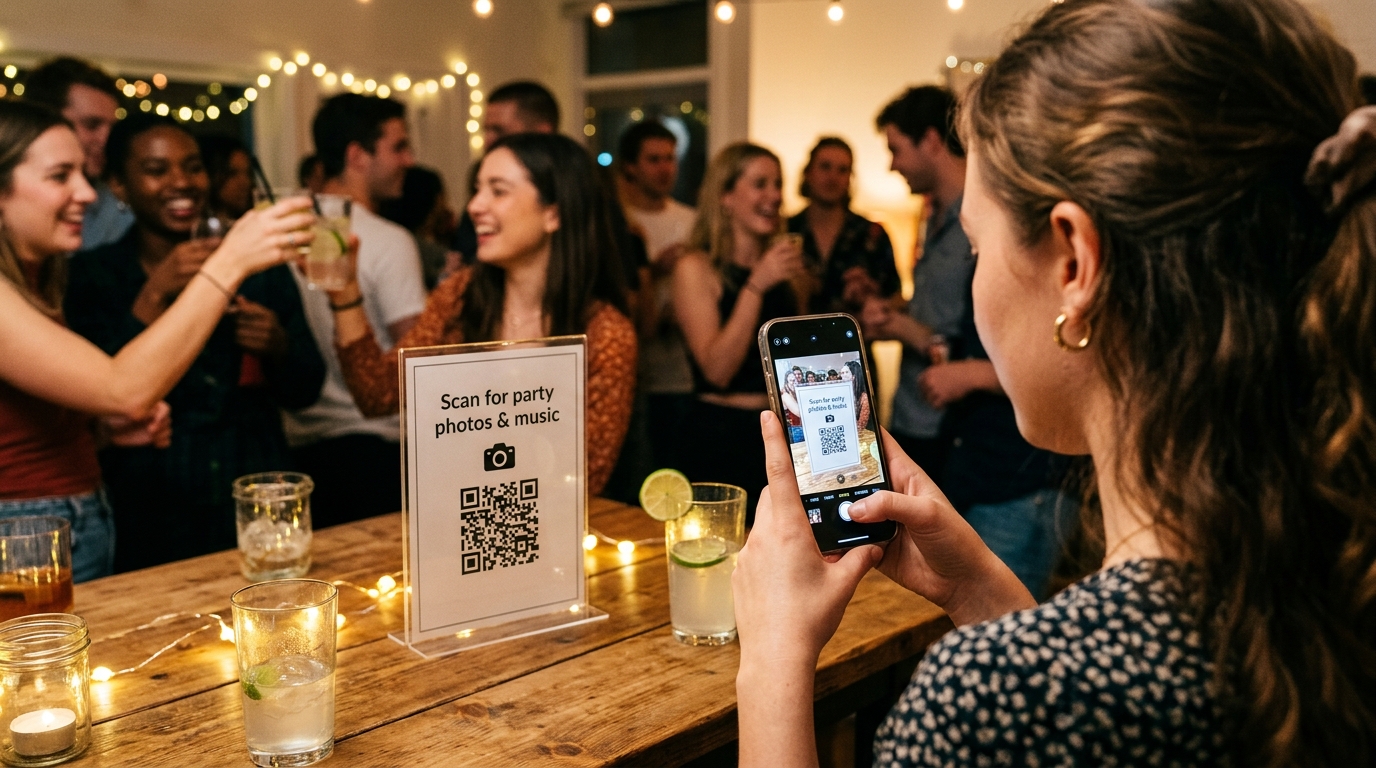
Map out strategic display locations. Place double-sided acrylic standees on dinner and buffet tables, a prominent sign on the cocktail bar, and an eye-catching poster by the entryway.
Print at optical scanning scale with high contrast. Use the sizes in this guide as a starting point, around 3x3 cm for tabletop codes and 10x10 cm or larger for wall posters, on matte, non-glare cardstock, and scan one test print before printing in series.
Test scan before guests arrive. Perform test scans using both iPhone and Android devices under the actual evening party lighting to ensure instant camera recognition.
Why QR codes are the command center of modern celebrations
Until recently, managing party communication meant juggling chaotic fragments: scotch-taped Wi-Fi slips that fell on the floor, forgotten paper invitations, spammy WhatsApp threads with 50 unread messages, and empty post-event promises like «I'll email you all the photos tomorrow, I promise!».
Today, a single two-dimensional barcode transforms the entire guest experience. With one natural reflex—sliding a smartphone out of a pocket and pointing the camera at a table card—every guest is instantly connected to the heartbeat of the celebration.
However, there is a massive difference between printing a pixelated, generic link to an empty cloud storage folder and offering an effortless, beautifully branded party hub.
5 creative ways to use QR codes at your party
Here is how to elevate a simple printed code into the interactive highlight of your night:
1. Instant crowd-sourced photo album
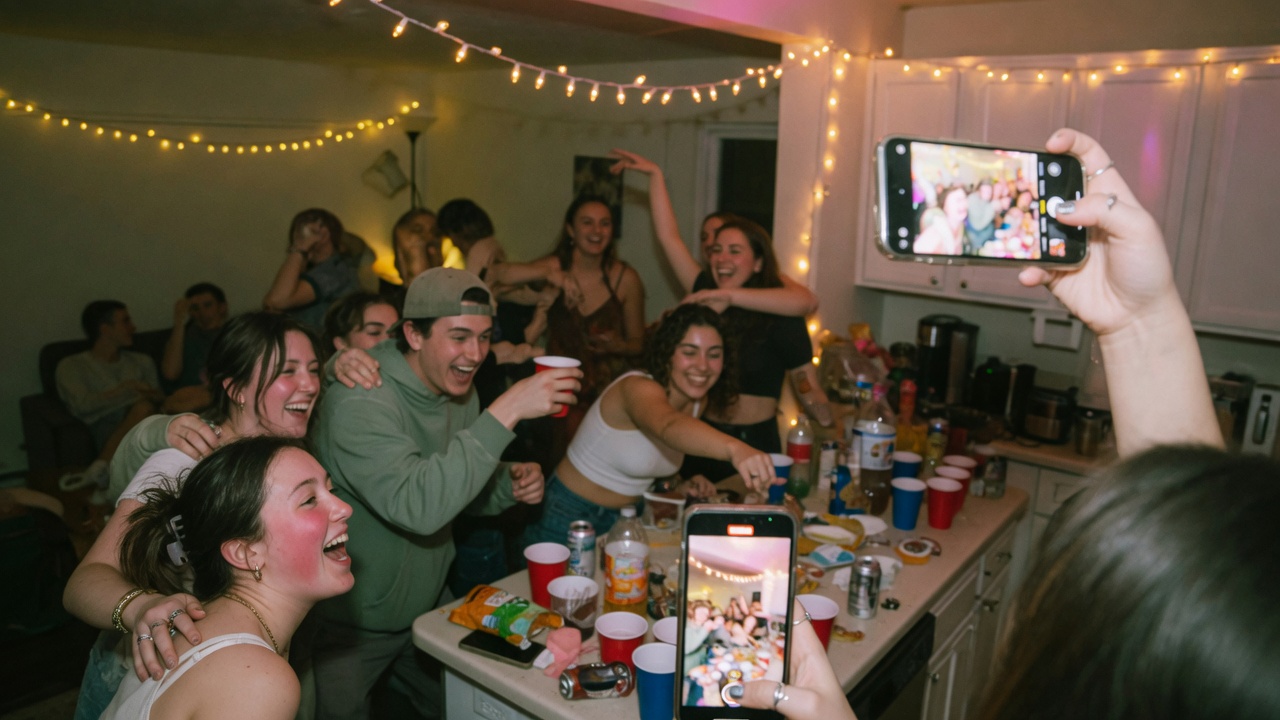
Skip the hassle of chasing guests for pictures weeks later. Place party QR codes on every table. Guests scan the code, their mobile camera opens in their browser, and their candid shots, selfies, and group toasts upload straight to your shared live roll.
2. Live Wall projection on big screens and TVs
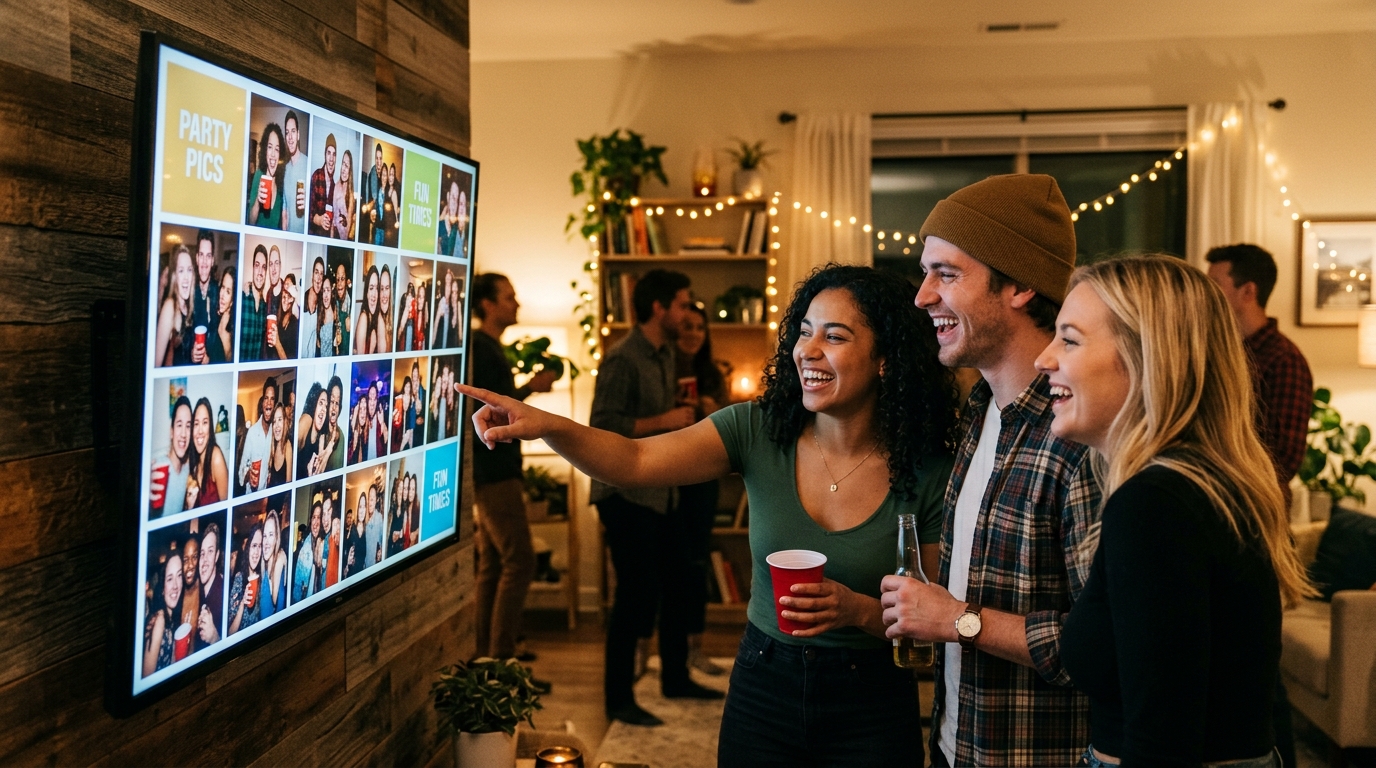
Link your table QR codes directly to an interactive Live Wall projected onto the venue's television or projector. When someone snaps a hilarious candid photo at the bar, it pops up seconds later on the big screen to cheers and laughter from across the room.
3. Digital Party Phone / Audio Guestbook
For an 18th birthday, 30th milestone, or graduation celebration, the QR code lets guests record spontaneous audio voice notes: tearful congratulations, hilarious inside jokes, and late-night toasts that the host can cherish for decades.
4. Interactive cocktail menu and collaborative playlists
Guests queuing at the bar can scan the code to view the evening's signature cocktail specials named after funny milestones of the host, or tap a link to queue favorite tracks on a collaborative Spotify session.
5. RSVPs and venue navigation
Sent out on digital or paper invitations weeks before the event, the QR code brings guests straight to an RSVP form where they can confirm attendance, specify dietary restrictions, and tap for turn-by-turn map directions.
Technical reference: scanning distance vs. print dimensions
One of the most frequent setup mistakes is printing QR codes too small or forgetting optical margins, forcing guests to awkwardly wave their phones around. Use these rule-of-thumb sizes, which are practical guidance for party prints and not part of any standard:
| Display Location | Typical Scanning Distance | Minimum Size | Recommended Size | Ideal Material |
|---|---|---|---|---|
| Place cards & dining tables | 20 – 30 cm (8 – 12 in) | 2 x 2 cm | 3 x 3 cm (1.2 x 1.2 in) | Heavy matte cardstock or tent card |
| Bar counter & buffet tables | 40 – 60 cm (16 – 24 in) | 4 x 4 cm | 5 x 5 cm (2 x 2 in) | Acrylic sign holder or wooden standee |
| Entrance door & coat check | 1 meter (3.3 ft) | 7 x 7 cm | 10 x 10 cm (4 x 4 in) | Framed A4/Letter print on rigid board |
| Wall poster or banner | 1.5 – 2.5 meters (5 – 8 ft) | 15 x 15 cm | 20 x 20 cm (8 x 8 in) | Matte vinyl banner or foam board |
| Event wristband or lanyard | 10 – 15 cm (4 – 6 in) | 1.5 x 1.5 cm | 2 x 2 cm (0.8 x 0.8 in) | Woven fabric or silicone badge |
The Contrast Rule: Always maintain a clean «quiet zone» (solid white border) of at least four module widths around the outer edges, as Denso Wave, the inventor of the QR Code, recommends. Avoid shiny glitter paper, holographic finishes, or low-contrast colors (like pastel yellow on white) that confuse camera sensors.
Comparison: Free static generators, group chats, or JoinTheFun dynamic QR codes
Not all QR codes deliver the same guest experience. Here is how common solutions compare:
| Feature | Free static QR generator (Canva/Bitly) | WhatsApp group chat link printout | Enterprise expo event software | Unified dynamic QR code (jointhefun) |
|---|---|---|---|---|
| Post-print updates | Impossible (destination URL is hardcoded) | Impossible | Yes, via complex dashboard | Complete freedom (update links and features anytime) |
| Guest access friction | Often requires third-party account login | High (forces everyone to share phone numbers) | Requires app install & user signup | Zero friction (instant Safari/Chrome web app in 2 seconds) |
| Feature integration | Single URL redirect only | Messy, chaotic text chat | Clunky, stiff corporate forms | All-in-one: RSVPs, HD photos, Live Wall & audio guestbook |
| Party-ready design | Generic and utilitarian | No party aesthetics | Corporate and uninviting | Bespoke party-first design with custom table tent templates |
| Cost per event | Free but severely limited | Free but disorganized and unprivate | Usually a recurring subscription; check the vendor | Free (0 €) or 29 € / 49 € flat one-time upgrade |
Setting up your party QR codes with JoinTheFun
Getting your party QR codes running takes less than five minutes:
- Create your celebration on JoinTheFun: Enter the event name, date, and venue. The platform instantly generates your private event space and high-resolution dynamic QR code.
- Download print-ready templates: Access pre-formatted PDF templates sized for standard tabletop acrylic frames and cards directly from your organizer dashboard.
- Scatter cards strategically: Place one standee on each banquet table, two along the bar counter, and one prominent poster near the coat check.
- Enjoy the celebration: While you mingle, your QR code does the heavy lifting: gathering everyone's candid photos, feeding the Live Wall, and archiving voice notes in pristine fidelity.
Transparent pricing: no hidden monthly subscriptions
JoinTheFun is engineered for celebration hosts who expect upfront, fair pricing without recurring traps:
- Free Plan (0 €): Includes dynamic party QR code generation, up to 50 guest photo uploads, 50 Audio Guestbook recordings, unlimited RSVPs, and Live Wall projection.
- PARTY (29 €) and PARTY+ (49 €) packages: Perfect for larger celebrations, unlocking 25 GB on PARTY and 250 GB on PARTY+, including guest video, extended cloud retention, and complete full-resolution ZIP downloads with a single flat fee: no monthly billing, no surprise auto-renewals.
Every party has one private link and a QR code. Guests open it in the browser, with nothing to install. Free is 0 € per event (50 photos, 50 voice messages up to 60 seconds, no guest video, media kept 30 days after the party). PARTY is 29 € (25 GB, six months) and PARTY+ is 49 € (250 GB, twelve months), one payment per event. The details are in the guide to sharing the invitation with a link or a printable QR code and on the Free, PARTY and PARTY+ plans.
Quick questions
How do party QR codes work for guests?
Guests point their standard phone camera at the printed code (no app download required). It instantly opens a dedicated event page in Safari or Chrome where they can view the schedule, upload candid photos, leave audio voice notes, and browse party details.
What size should a QR code on a party table be?
For close-range scanning at 20–30 cm (such as tabletop tents, menus, or place cards), a rough starting point is 2x2 cm (0.8x0.8 in), while 3x3 cm (1.2x1.2 in) is easier to focus on in dim party lighting. These sizes are rules of thumb, not part of any standard, so scan a test print before printing in bulk.
What size should a QR code poster be at the party entrance?
For scanning from a distance of 1 to 2 meters (entrance doors, coat check, or large bar signs), a good starting point is 10x10 cm (4x4 in) or 15x15 cm (6x6 in), which lets several guests scan at once as they arrive. These sizes are rules of thumb, not part of any standard, so scan a test print before printing in bulk.
Should I use a static or dynamic QR code for a celebration?
Always choose a dynamic QR code. Dynamic codes point to a URL that you can update anytime behind the scenes. If your party timeline changes, or if you launch the Live Wall later in the night, your printed codes remain fully active without reprinting.
Do guests need to install an app to scan or upload photos?
No. Modern iOS and Android cameras read QR codes natively. With jointhefun, the event web app loads in 2 seconds in the browser, allowing guests to snap and upload high-res photos and voice notes without registering an account.
How can I combine photos, music, and bar menus into a single QR code?
Instead of cluttering tables with multiple confusing codes, use an all-in-one party platform like jointhefun. A single unified code houses the digital invitation, real-time shared photo roll, Spotify playlist link, and signature cocktail list.
How much does a full party QR code system cost?
Enterprise marketing platforms usually charge a recurring subscription, so check each vendor. jointhefun offers a Free plan at 0 € per event and flat-fee one-time upgrades: PARTY (29 €, 25 GB) and PARTY+ (49 €, 250 GB), with no recurring subscriptions.
What if the venue has dim ambient party lighting?
Always ensure maximum contrast by printing dark black pixels on a solid, matte white or light background. Avoid metallic foil or glossy reflective surfaces, and maintain a quiet zone (blank white border) of at least four modules (the width of four of the code's small squares) around the code.