The plan, step by step
Decide what you need. Only a date and a place, or a count of who's coming? A card is enough for the first. For the second you need replies.
Check the guest cap. Find the free plan's maximum number of guests on the pricing or help page, and compare it with your real list, plus-ones included.
Test it as a guest. Open the invitation on your own phone, logged out. Do you need an app, an account or an email code to reply?
Check what costs money later. Sending, downloading the list, removing ads, keeping photos after the party: see which of these sits behind a paywall.
“It's free!” … until you hit send
You search “free online invitation”. Ten sites, all free. You spend half an hour on the design, you hit send, and a screen says the free plan covers ten guests. Or your friends are asked to make an account just to say yes.
“Online invitation” means two different things:
- A card. An image or a page you send around. It's free almost everywhere, and it doesn't know who's coming.
- A page with RSVP. Guests answer and you see the list. This is where “free” comes with conditions.
Five things to check
| What to check | What to look for |
|---|---|
| The guest cap | How many people the free plan lets you invite. Compare it with your real list: friends, plus-ones, cousins |
| Who has to sign up | Guests should reply from the browser. No app, no account, no code by email |
| Ads and logos | Whether someone else's logo or banner ends up on your invitation |
| What you can do with the list | See it, count it, set a capacity and a waitlist, download it |
| What happens after | How long the page and the answers stay up, and whether you can keep the photos |
Take two minutes for this before you start on the design, not after.
The caps really are different
Evite's free invitations allow up to 750 guests, and Evite Pro raises that to 2,500. Paperless Post's free design covers the first 50 invitations sent by email or phone number. For a house party, 50 is plenty. For an 18th with the whole class and the cousins, it isn't.
The number itself matters less than finding it before you've done the work.
When you don't need any of this
For a dinner for six, a message and a poll in the group chat are enough. Don't set up a page for that.
A poll starts to fall short when people bring someone, when you have a venue maximum or when you need to know who's vegetarian. That's the point where an RSVP page saves you the counting. How to ask for answers is in How to get party guests to reply, and the invitation text is in What to write in a party invitation.
What about jointhefun?
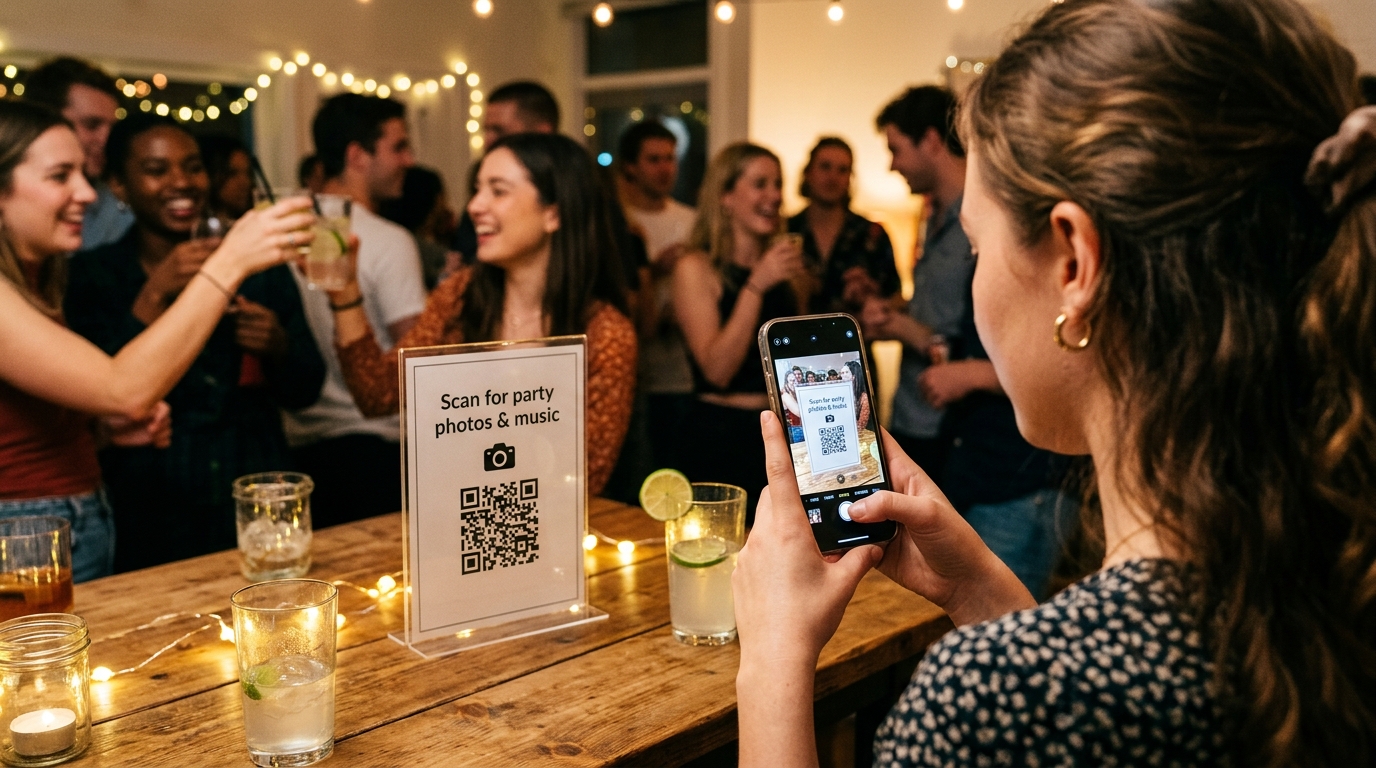
On jointhefun the RSVP side is free and has no limit on guests. On the Free plan you can invite as many people as you like, and they answer in their browser with no app and no account: yes, no or maybe (if you keep it on), and they can say who they're bringing. You can add your own questions, such as a meal choice, set a capacity with a waitlist, and share the invitation with a private link or a printable QR code. The page carries the jointhefun logo, and Free covers one active party at a time.
Free also includes 50 guest photos and 50 voice messages of up to 60 seconds, but no guest videos. For videos and more space, PARTY costs €29 and PARTY+ €49, one payment per event. On Free the photos are kept for 30 days after the party, so download them before then. Details are in the guides RSVPs, companions and a guest list that adds up and share your invitation with a link or QR code, and on the plans page. For the photos, see How to collect party photos.
Quick questions
What's the difference between an online invitation and an RSVP page?
An online invitation is a card or image you send. An RSVP page also collects the answers: who's coming, who isn't and who they're bringing. For more than a handful of people, you want the second.
Do guests need an app or an account to reply?
They shouldn't. Open your invitation on your own phone, logged out: if it asks you to install something or make an account, some of your friends won't reply.
How many guests can I invite for free?
It depends on the tool. Evite's free invitations go up to 750 guests and 2,500 with Pro; Paperless Post's free design covers the first 50 invitations. Look for the number on the pricing or help page before you design.
Is a picture sent on WhatsApp enough?
For a dinner for six, yes. The picture looks nice but it can't tell you who's coming, so you still end up counting replies by hand.
Can I limit places and keep a waitlist for free?
Not with every tool. If the venue gives you a maximum, check that the free plan lets you set a capacity and close replies when it's full.
What happens to the answers after the party?
Check how long the page and the list stay up, and whether you can download them. Do it before the party, not the week after.
What personal details should an invitation ask guests for?
A name and a yes or no. A phone number, an email or an account isn't needed for a party, so be wary of a tool that asks for them.
Is the RSVP on jointhefun really free?
Yes. On the Free plan, €0 per event, you can invite as many people as you like and they reply in their browser, with no app or account. Free also includes 50 photos but no guest videos.