What does a guest actually do?
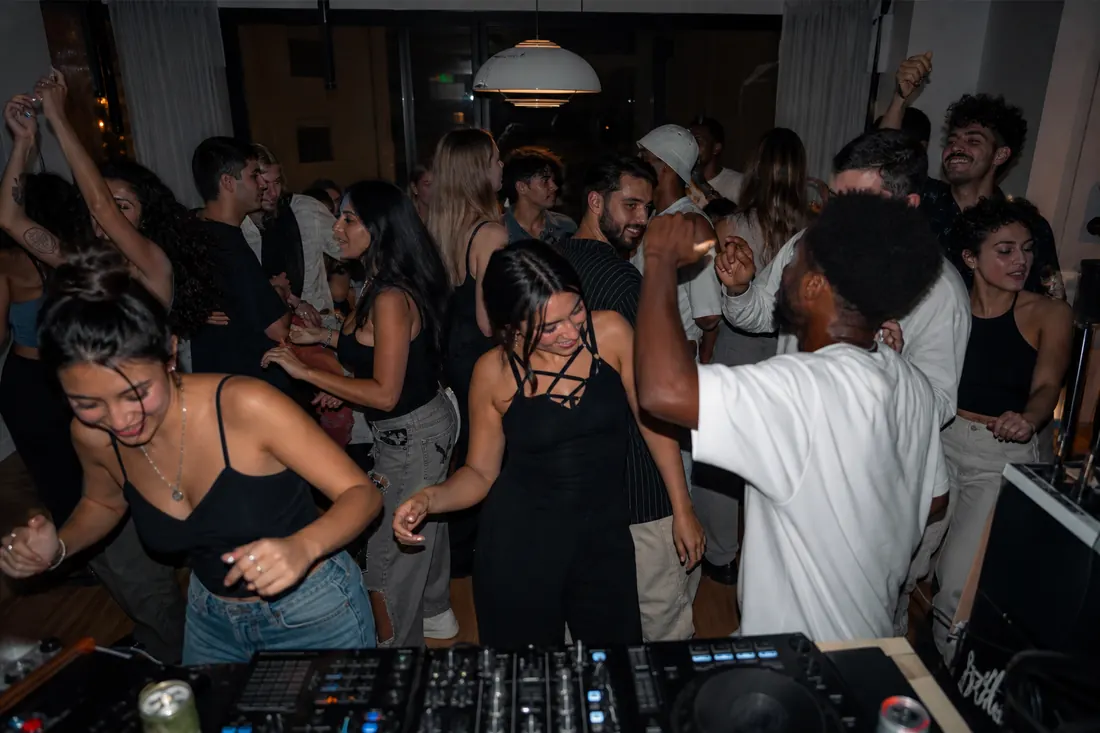
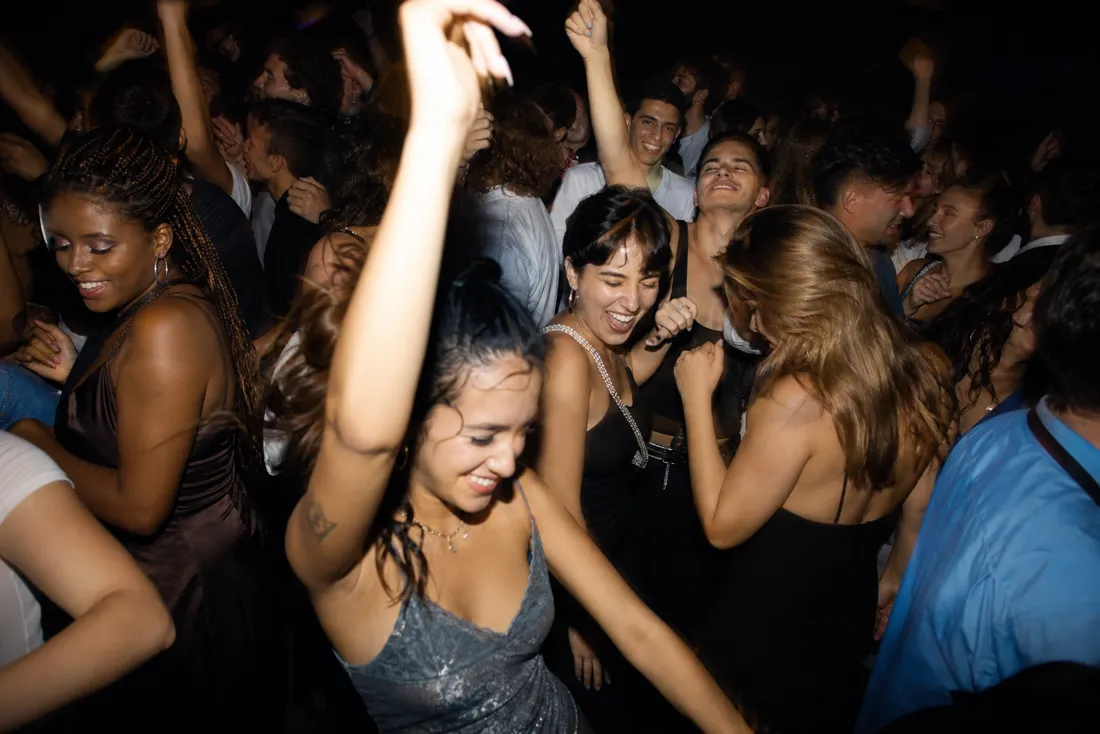
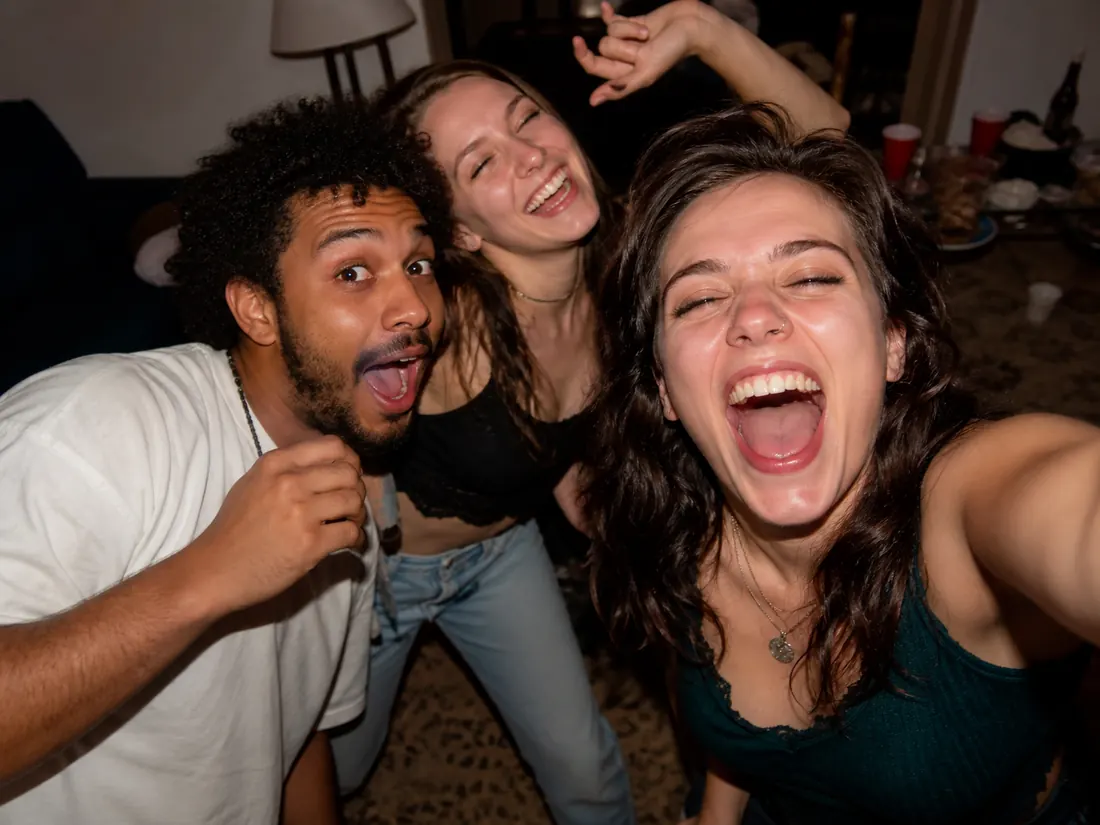
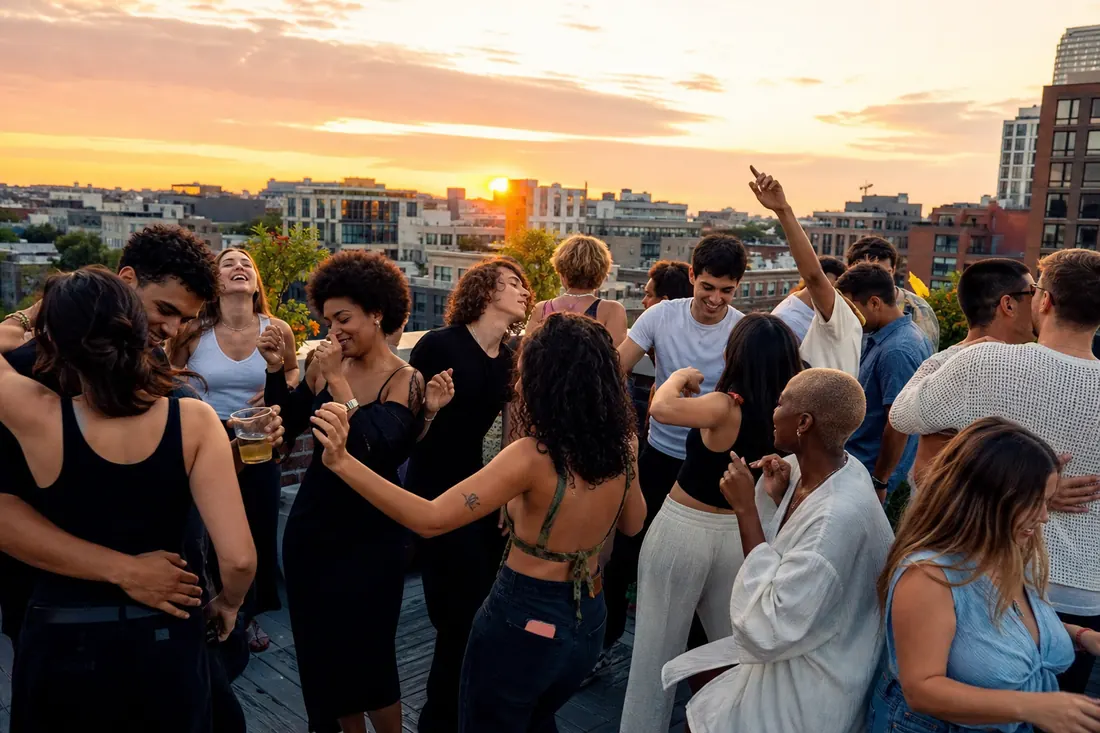
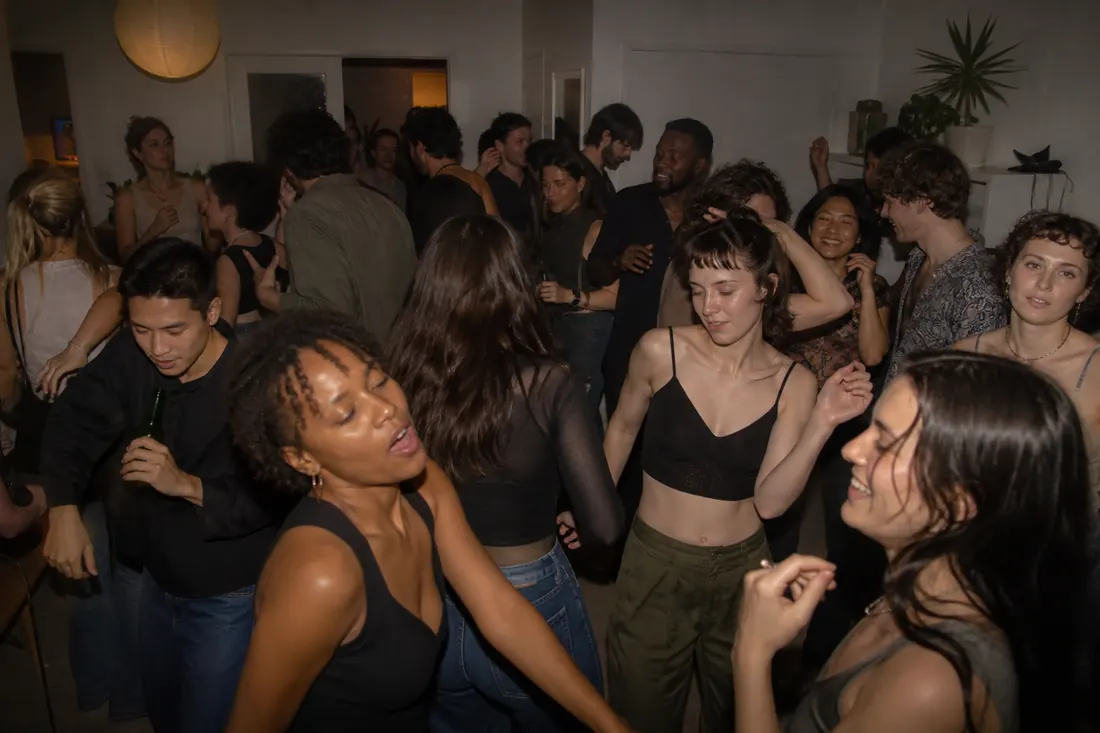
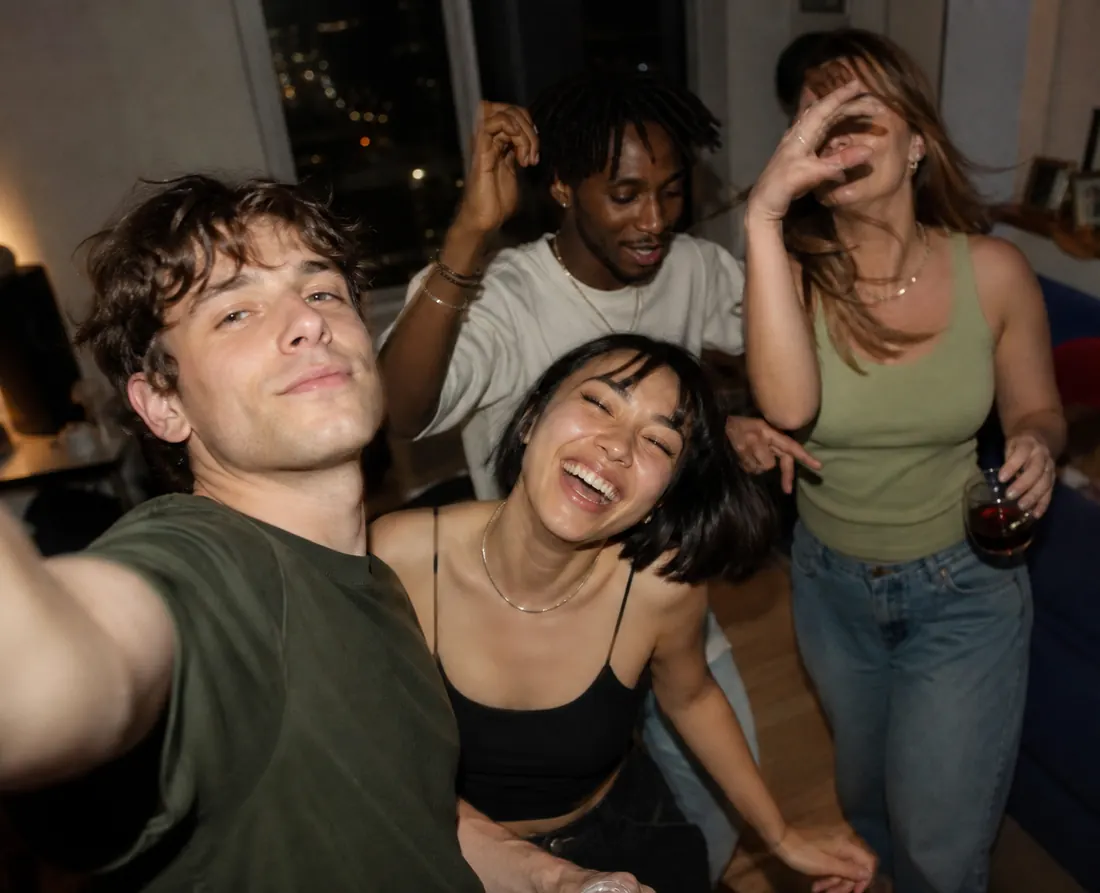
Guests open the party in their browser, choose a mission and attach a photo that completes it. A group selfie, a dance-floor moment or a picture with the birthday person gives them a concrete starting point. Each submission completes one primary mission, and guests can see their progress. If you hold guest photos for approval, the mission counts once its photo is approved, and the author sees that it is waiting.
Can I change the missions?
Before contributions arrive, adapt the suggested set: change titles and instructions, reorder missions or add your own. Choose tasks that suit the room and the guests; a relaxed dinner needs different prompts from a dance party. The organizer can also join through the dedicated participation page.
Do we have to compete?
No. The public leaderboard is off by default. You can use automatic scoring, choose a winner yourself or finish without a winner. With automatic scoring, missions normally give one point and can have different values. Announcing the result closes submissions; reopening the game lets participation continue.
Can I combine missions and the Party Roll?
They are alternative games: only one can be active at a time, and you can switch both off. Missions work on Free, PARTY and PARTY+ within the event’s photo allowance. The Party Roll requires PARTY or PARTY+. Choose missions for shared prompts; choose the roll for limited shots and a reveal.