The plan, step by step
Turn on guest approval in your event settings. Before guests arrive, switch on pre-approval for photos, videos, audio notes, and comments under event memories controls.
Share your party link or QR code at tables. Guests scan the code from their mobile browser without installing an app and submit shots knowing photos will be curated.
Delegate Live Wall moderation to your DJ or co-host. Share a private Live Wall controller link with a trusted friend so you can stay fully engaged on the dancefloor.
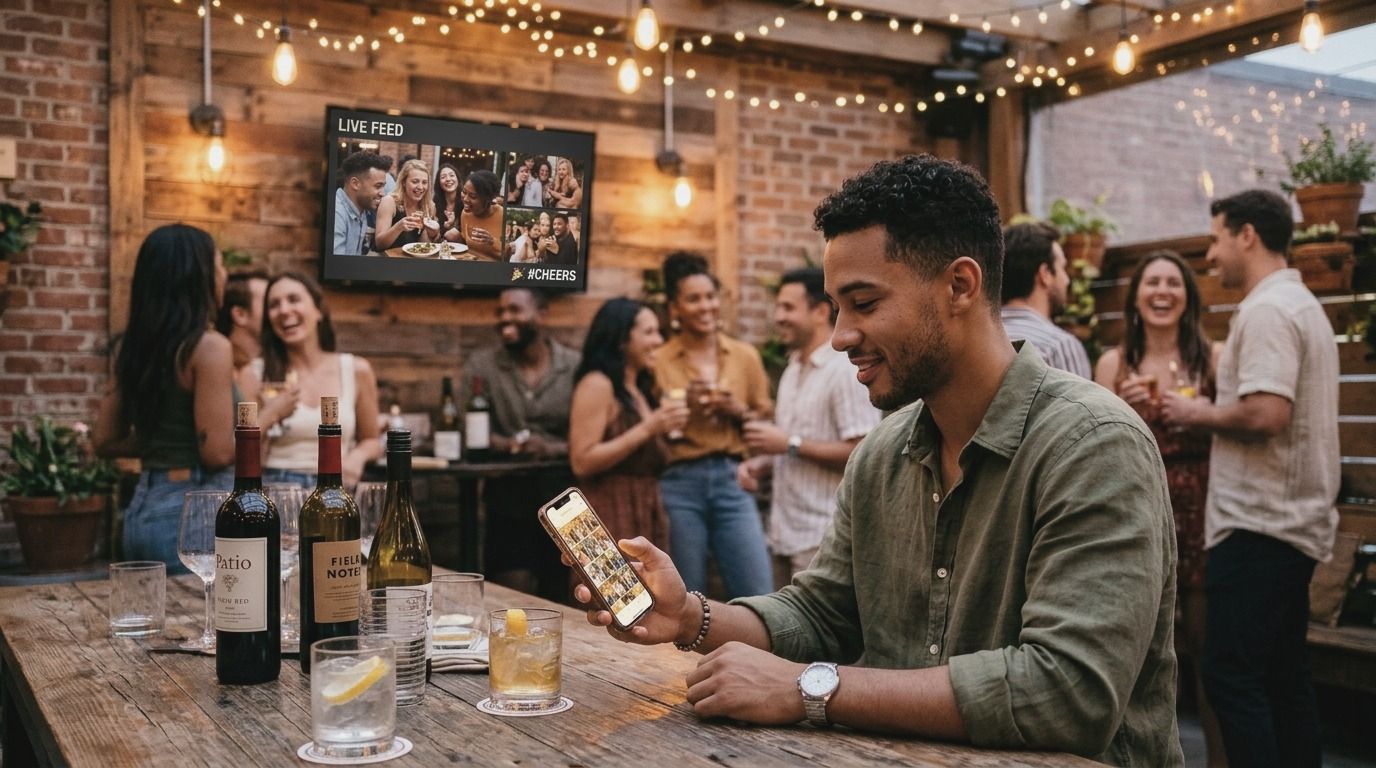
Approve the best crowd shots in one tap. Open the 'To approve' queue on your phone: tap Approve to display smiling groups or toasts, and dismiss dark or duplicate takes.
The big screen nightmare: when party pranks go wrong
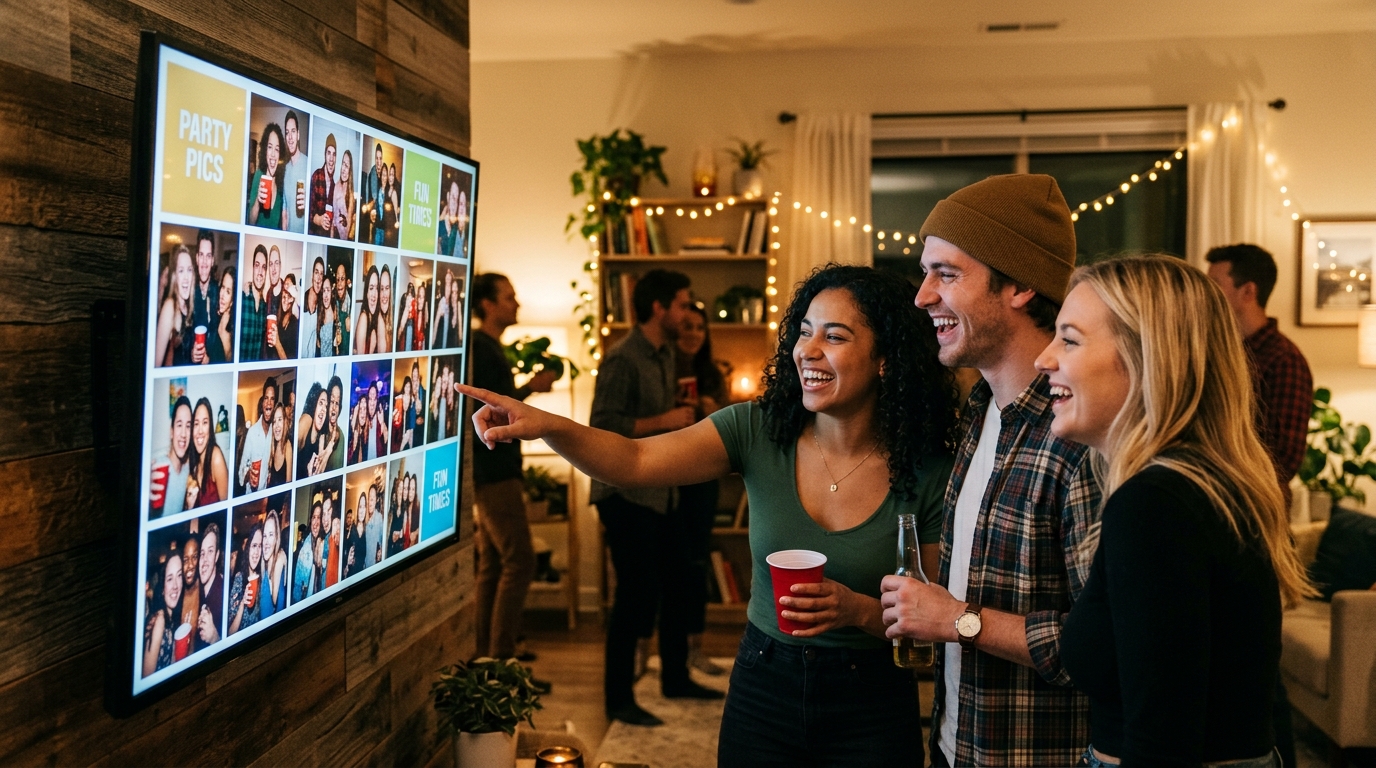
Setting up a projector or a big TV screen with a live photo wall is one of the coolest additions to an 18th birthday, graduation party, or milestone anniversary. It gets people laughing, inspires spontaneous group photos, and connects different friend groups across the room.
Yet almost every party host hesitates for the exact same reason: picture the room at 11 PM with family, colleagues, and friends mingling, when suddenly a 65-inch display flashes a tasteless prank, a restroom selfie, or an embarrassing drunken snapshot uploaded by a prankster. Three seconds on screen can freeze the room and ruin the mood.
Most hosts either scrap the idea entirely or designate an unlucky friend to sit tethered to a laptop with an HDMI cable, manually checking every single incoming file. Luckily, there is a much smoother approach: mobile-first crowd moderation.
4 ways to manage live party photos compared
Here is how common methods perform when showing guest photos on a party screen:
| Method | Blunder and NSFW risk | Host workload during event | Guest experience | Practical verdict |
|---|---|---|---|---|
| Direct unmoderated screen feed | Very high: every upload flashes live instantly | Zero effort, but constant host anxiety | Fun until someone posts an offensive blunder | Too dangerous whenever family or colleagues attend |
| Manual laptop curation with HDMI cable | Low: host manually previews every file | Exhausting: one person is glued to a laptop | Slow, clunky, and destroys spontaneous momentum | Kills the party vibe and ruins the host's evening |
| Public social media hashtag | Medium-high: open to strangers and spam bots | Low, but zero real privacy control | Demands public accounts and clutters feeds | Poor privacy: intimate party moments end up public |
| Private browser queue (jointhefun) | Zero: only approved shots appear on screen | Minimal: quick one-tap approvals from mobile | Instant, fun, and private with zero app installs | The ideal solution: full crowd energy with safe control |
4 practical rules for stress-free party moderation
- Pre-approval beats post-deletion every time: Deleting an inappropriate photo after it has already spent twenty seconds on a massive screen is useless: everyone has already seen it. Moderation must happen upstream: guest submissions should wait in a private staging queue until you or a co-host grant approval.
- Hand the remote to your DJ or trusted co-host: The event host should be celebrating, not playing screen police all night. On an advanced party platform, you can send a Live Wall delegation link to your DJ or an organized friend. They can review the staging queue from their own phone and push the best shots to the screen.
- Set simple rejection standards: Keep curation light and brisk: immediately approve bright smiles, funny toasts, dancefloor clips, and group poses. Promptly reject black or blurry misfires, five identical burst shots, or photos that could genuinely embarrass someone in the room.
- Preserve guest dignity with quiet rejections: When an organizer declines a submission, the author should simply see that their photo was not published. Avoid public alerts or loud warnings: quiet privacy prevents drama and keeps the party positive.
Privacy, consent, and party photo displays
Displaying crowd photos in a private venue requires good judgment and respect for personal boundaries:
- Domestic privacy exemptions: The UK GDPR and the EU GDPR both leave out personal data processed in a purely personal or household activity, so a private screen among the people who were there sits on the safe side. That is no licence to broadcast intrusive or very private images without consent.
- The right to opt out: Any guest who prefers not to appear on a shared display or online gallery has the right to request removal. A well-designed system allows hosts to pull down or reject an image instantly, keeping private moments private.
Practical guidance, not legal counsel. Always respect guests who prefer not to be photographed: if an attendee asks to have an image taken down from the Live Wall or gallery, remove it without debate. For minors, parental consent is always mandatory.
How to approve and moderate party memories with jointhefun
With jointhefun, you do not need cumbersome hardware or complicated setup menus. In your party's Memories settings, toggle on the guest approval switch with a single tap. You choose what needs review: hold photos and videos only, or also review voice notes from the digital audio guestbook and written guestbook wishes.
All incoming guest contributions gather in a clean "To approve" queue accessible only to the host or authorized Live Wall delegates. You can tap Approve, Reject, or Approve all after a quick glance. Only approved memories appear in the shared gallery, on the Live Wall screen, and in guest downloads.
The Free plan costs 0 € per event and includes guest approval controls on all parties, along with unlimited RSVP responses, 50 guest photos, and 30 days of storage. For parties with live projection screens and hundreds of uploads, the PARTY plan costs 29 € one-off with 25 GB of storage for 6 months, while the complete PARTY+ plan at 49 € one-off provides 250 GB for 12 months, full Live Wall remote delegation with approval rights, and dedicated photographer delivery spaces. Media is never sold or shared, and all event data is cleaned up after your plan expires. Explore every detail in our guide to approving photos before publication and compare options on our jointhefun plans page. Always download your complete party memories archive before your retention window closes.
Keep reading: Party Live Wall: project photos in real time; How to collect party photos from guests; Disposable cameras for parties: analog vs digital.
Quick questions
Why is running an unmoderated Live Wall screen risky at a party?
Without approval controls, guests can accidentally upload accidental pocket shots, duplicate selfies, unfunny memes, or drunken outtakes directly to a large room display.
What do guests see while their photo is waiting for approval?
The author sees an 'Awaiting approval' label on their screen with the option to retract it, while other attendees cannot see the image anywhere until it gets approved.
What happens if an organizer rejects a submitted photo?
The picture stays out of the gallery and off the Live Wall screen; the uploader sees 'Not published' and the photo remains completely private without awkward public alerts.
Does the host have to spend all night on their phone approving pictures?
No, approvals take two seconds every half hour, or you can delegate Live Wall remote controls and moderation rights to your DJ, best friend, or co-host.
Can you also hold guest voice messages and written comments for review?
Yes, a comprehensive moderation setting lets you hold photos, video clips, Party Phone audio guestbook recordings, and guestbook comments in review before publication.
Do the host's own uploads and official photographer files require approval?
No, organizer uploads and verified photographer deliveries bypass the guest moderation queue and publish straight to your event gallery.
Is it legal to project photos taken of guests during a private party?
Yes, displaying photos within a private celebration among attendees is lawful domestic activity, but you must promptly remove pictures when requested by a guest.
Do rejected or unapproved guest photos end up in the downloaded archive?
By default they are excluded to respect privacy, but the organizer can choose to export them in a separate folder labelled for unapproved contributions.