The plan, step by step
Pick the right card size. Use 4x6 in (A6) cards for seated dining tables and 5x7 in or 8x10 in signs for the bar, welcome table, and buffet, with the QR code at least 1.25 in square.
Ensure crisp contrast. Stick to a black code on a matte white background with at least 0.2 in (5 mm) of clean margin around the edges, avoiding busy background patterns.
Include the magic reassurance. Explicitly state that no app download and no registration are needed: that single phrase eliminates hesitation on the spot.
Place signs at dwell zones. Put displays where people naturally sit, chat, or wait for drinks, rather than dark hallways or rapid transit doorways.
The forgotten sheet of paper
You set up a digital event album to collect candid party memories, printed a QR code, propped it up on a side table, and by the end of the night you have exactly four photos: two taken by your best friend and two blurry test shots taken by you.
Guests do not ignore party QR codes because they do not care; they ignore them because they cannot spot them, because the code is printed too small, or because they assume it will force them to download a 100 MB app, register an account, and verify an email while holding a drink. The moment they realize they can just open their standard phone camera and upload a photo in five seconds, the shared album fills up on its own.
Getting high participation comes down to three practical decisions: readable dimensions, strategic placement, and clear wording on the card.
Print sizes and scan distances
Smartphone cameras need adequate focal room so guests do not have to lean their phones right into their dinner plates. The standard rules are:
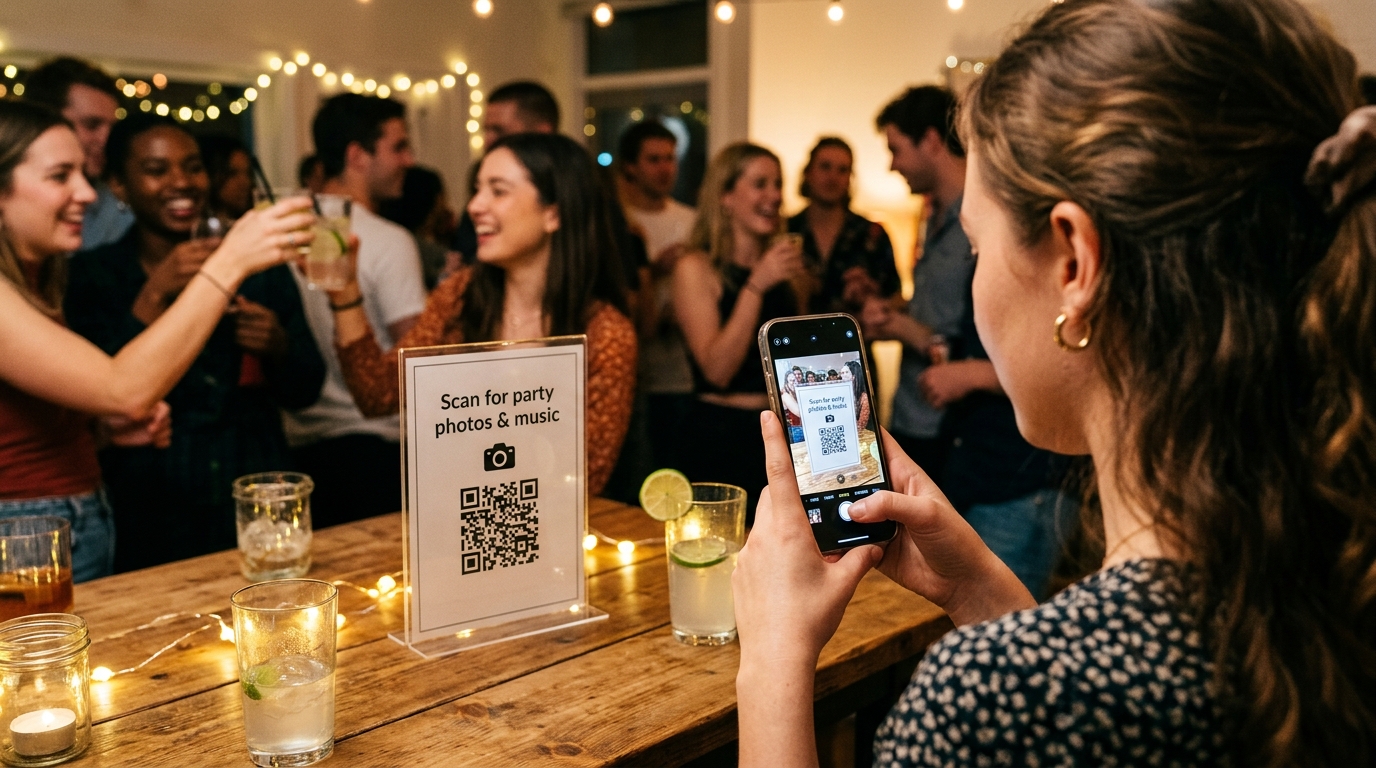
- Seated tables (4x6 in / A6 format): the QR code itself should be at least 1.25x1.25 in (3x3 cm). This allows seamless scanning while sitting down from a comfortable distance of 10 to 14 inches (25–35 cm).
- Bar counters, buffet stations, and welcome entry (5x7 in or 8x10 in): the code should measure between 2.5x2.5 in and 3.5x3.5 in (6–9 cm) so standing guests can scan it from two feet away while waiting in line.
- The quiet zone: always leave a clean, unprinted white border of at least 0.2 inches (4–5 mm) around the code. If floral borders or text touch the pixel edges, mobile lenses struggle to focus.
Print on matte cardstock (at least 100 lb cover / 270–300 gsm). High-gloss photo paper catches ceiling reflections and table candle glare, blinding phone lenses.
Where to place them across your venue
The worst place for a sign is an entrance hallway or coat check: nobody stops mid-walk to whip out their phone. Place your signs in dwell zones where guests naturally pause:
- Dining and cocktail tables: one card every 6 to 8 seats on banquet tables, or one central display per round table. This is where people sit, chat, take group selfies, and have plenty of idle time to scan.
- The bar counter: while the bartender mixes a cocktail or pops open a drink, guests already have their phones in hand. Place two upright stands at opposite ends of the bar.
- The cake, dessert, or gift table: these areas become natural gathering spots during key moments of the celebration.
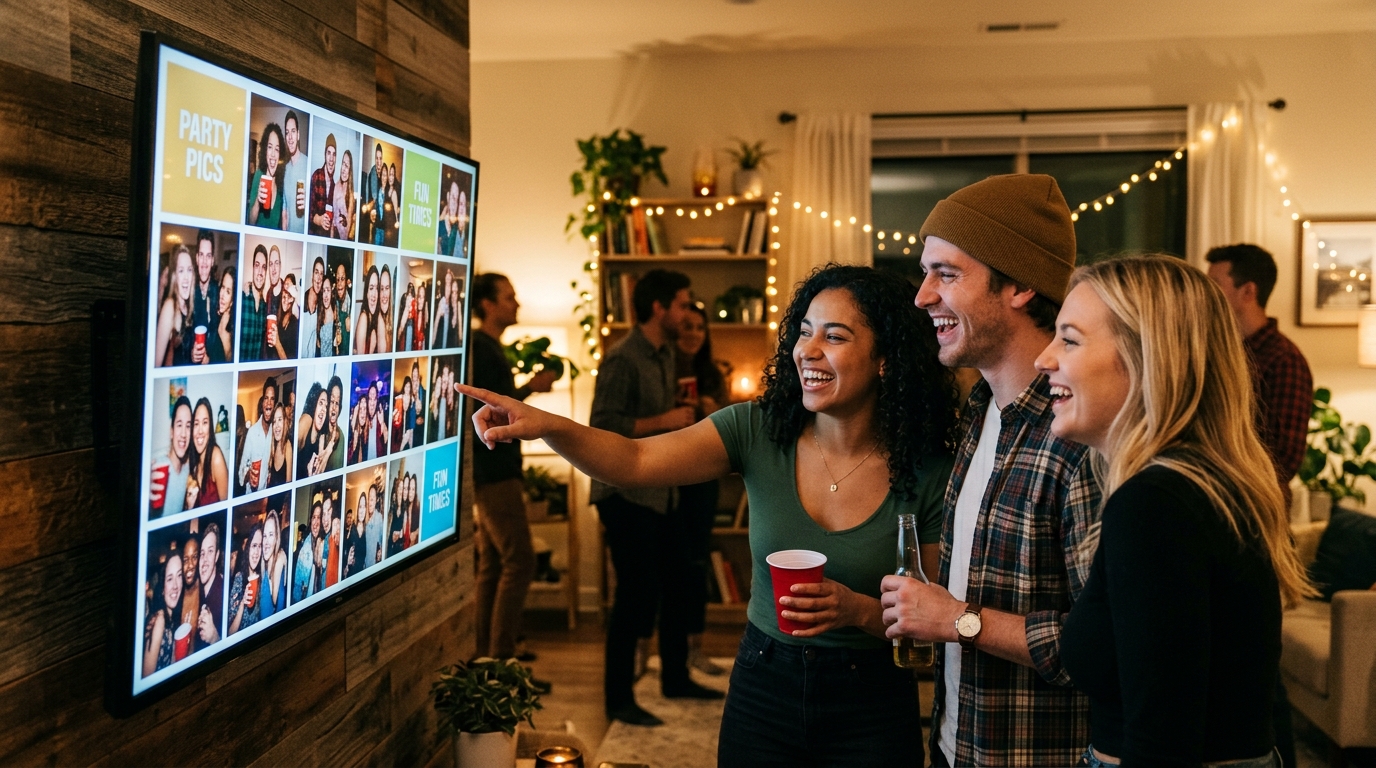
- Next to the Live Wall screen: if you are projecting guest uploads onto a TV or venue wall, having a prominent QR sign directly below or beside the display motivates guests to upload instantly to see themselves on screen.
What to write: the wording that doubles scans
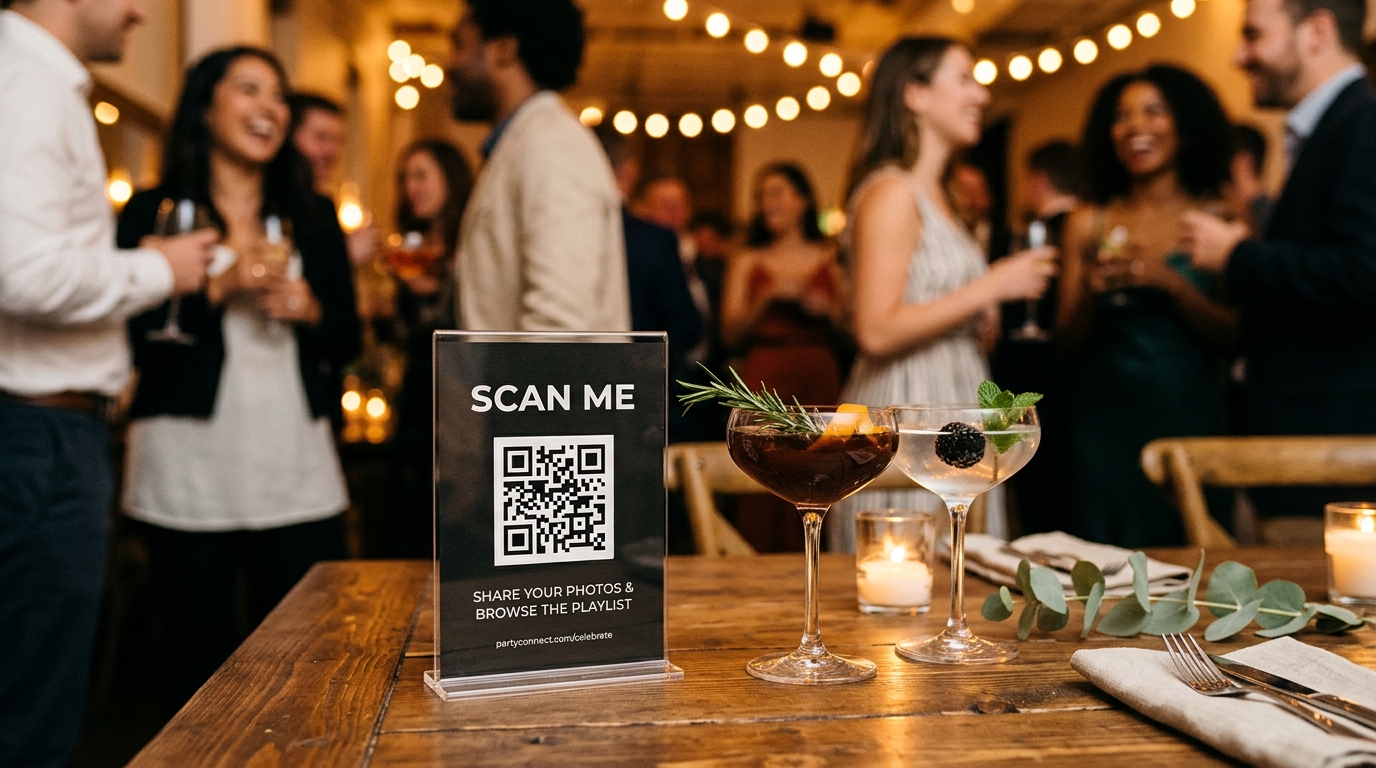
Avoid vague labels like «Scan Me» or «Party Gallery». Guests often assume it links to a restaurant menu or a personal Instagram profile. Tell them exactly what happens and how effortless it is:
«Share your photos with us!» 1. Open your standard phone camera. 2. Point it at the code above. 3. Upload your favorite shots from tonight. No app download or account needed.
That final reassurance is essential: it removes friction for anyone with low phone battery, limited cellular data, or zero interest in installing new software.
Table card display options compared
| Display option | Typical cost | Durability against spills | Low-light visibility | Reusability |
|---|---|---|---|---|
| Folded paper tent card (DIY) | Almost free (creased cardstock) | Low (collapses easily or gets soggy) | Moderate | Single-use |
| Clear acrylic T-stand / sign holder | $2–$3 each | Excellent (shields the paper from drink spills) | Outstanding (holds paper upright toward light) | Multi-use for any future event |
| Tabletop photo frame (wood/brass) | $3–$7 each | High | Good (avoid glare-heavy glass) | Great for formal or vintage setups |
| Custom printed drink coasters | $0.35–$0.60 each | Good, but drinks cover the code | Poor once glasses are placed on them | Fun keepsake to take home |
For a casual party or milestone celebration, a 4x6 in clear acrylic stand is usually the smartest choice: it protects the paper from spilled beer, stands upright reliably, and keeps the code clearly visible across the table.
What about jointhefun?
Every event on jointhefun comes with a dedicated web link and a high-resolution, printable QR code tailored to your event theme. Guests scan the code with their default camera app and add photos, videos, and voice notes straight from their mobile browser, with no app downloads and no logins required; if you use the Live Wall, their photos pop up on the venue TV immediately.
The Free plan costs $0 / 0 € per event and includes 50 photos, 50 audio guestbook voice notes up to 60 seconds each, unlimited RSVP guests, and 30-day memory retention after the party. The one-time PARTY package (€29 / $29, 25 GB, six months) and PARTY+ package (€49 / $49, 250 GB, twelve months) add guest video uploads, original quality downloads for the photographer, Party Roll, and full-resolution ZIP exports, with zero recurring subscriptions. See step-by-step instructions in our guide to sharing your invitation with a link or printable QR code and explore details on our plans and pricing page.
Also worth reading: How to use QR codes for parties; How to collect party photos from guests; Project live party photos on a TV with Live Wall.
Quick questions
What is the minimum print size for a party QR code to scan easily?
The standalone code should measure at least 1.25x1.25 inches (3x3 cm) for comfortable tabletop scanning from 10 to 14 inches away; use 2.5x2.5 inches or larger for standing bar signs.
How many QR code signs do I need for a party?
Plan for one card per 6 to 8 seats on long tables, one in the center of each round table, one at the food buffet, and two on the bar where guests wait for drinks.
What should I write on the table sign to maximize guest uploads?
Keep it simple and reassuring: «Share your party shots! Point your phone camera here to upload. No app download or signup required».
Will guests be able to scan the QR code in dim party lighting?
Yes, provided you maintain high contrast: print black on a clean white or light background, keep it near tabletop candles or soft ambient lighting, and avoid glossy laminates.
What kind of stand prevents table cards from tipping over or getting wet?
Clear acrylic vertical T-stands or heavyweight cardstock tent cards (at least 100 lb / 270 gsm) hold up best against drink spills and passing drafts.
Can older or non-tech-savvy guests scan it without trouble?
Yes, because modern iPhone and Android cameras automatically detect QR codes without needing any dedicated scanner app or account creation.